01
AI Video Guide
Image-to-Video Prompt Framework
A practical structure for directing subject motion, camera movement, environment, lighting, and continuity.
Overview
Built for Repeatable Work
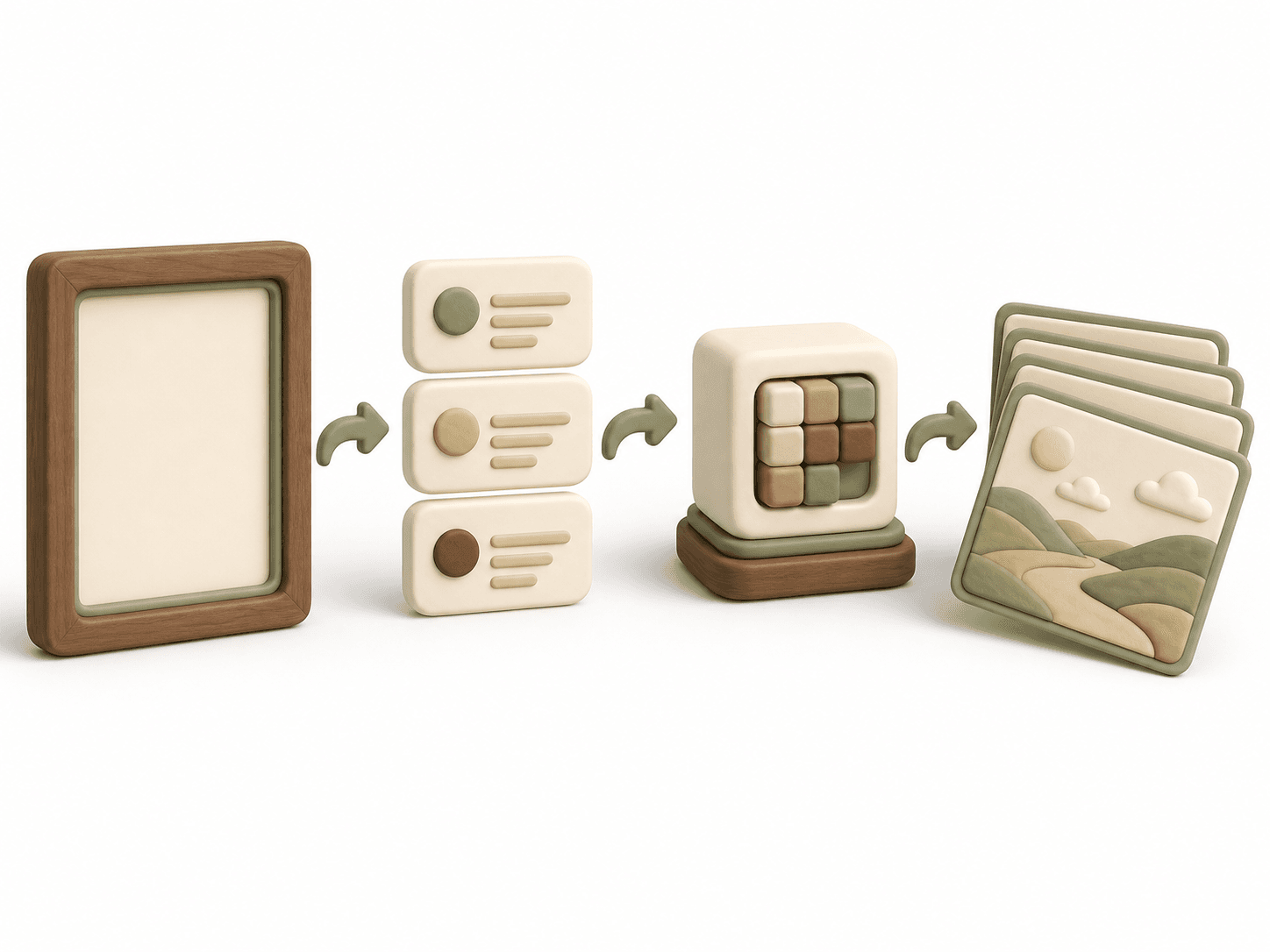
Image-to-video prompts work best as motion direction, not as a second image description. This framework tells the model what changes, what stays fixed, and how the camera observes the action.
Preview
What Is Included
02
Camera direction field
03
Environmental motion field
04
Continuity and negative-motion checks
Download
Add It to Your Workflow
FourFeetz Studio Edition
Markdown format, easy to adapt for Notion, Docs, or your production repository.
How to Use
A Practical Process
- Step 1
Start from a clean, approved reference frame.
- Step 2
Choose one subject action and one camera move.
- Step 3
Describe timing with words such as slow, steady, or gradual.
- Step 4
Add only environmental motion that supports the shot.
- Step 5
State which face, outfit, and background details must remain stable.
Best Practices
Use It Well
FAQ
Questions, Answered
Should I repeat the image description?
Only repeat identity details that must not change. Spend most of the prompt on motion and timing.
Can I request several actions?
One primary action per shot is more reliable and easier to edit.
Related Resources
Continue Building
Prompt Pack
Character Consistency Prompt Pack
A reusable prompt system for preserving identity, wardrobe, proportions, and visual style across AI-generated scenes.
Workflow
AI Short Film Workflow
A repeatable production pipeline from story and reference development to animation, sound, editing, and publishing.
Template
Storyboard Planning Template
An editorial planning sheet for framing, action, camera direction, sound, transitions, and continuity.
FourFeetz Toolkit